
Stereoscopic Preservation
Get MallVR
MallVR runs the original 1990s Virtuality arcade VR pod games on a normal Windows PC with SteamVR, with true stereo 3D and head tracking. No headset? Every game also plays in a window with keyboard and mouse.
MallVR for PC is free: every game, no strings. 27 games: launchers for all 14 original Virtuality games including Zeneca Migraine, the 12 Lost Games rebuilt from footage, and PHANTOM FREIGHT, our Halloween ride. No tiers, no locked games. The source code is on GitHub. Press GET GAMES and MallVR downloads the game files for you.
Download MallVR v0.16.0 for PC: FREE (27 games, 533 MB) Buy MallVR for Meta Quest: $25 (sideload test build, 45 MB)
The free download lives on archive.org, with a LaunchBox pack (covers, logos and a video clip for every game). Or download it straight from us: MallVR_v0.16.0_Loader.zip.
Meta Quest (sideload): install the APK with SideQuest. Quest install steps and video · Install guide (QUEST_INSTALL.txt)
New to MallVR? Watch the 48-second PC install video, or the Quest one.
Already have MallVR? Start a game and take the update: v0.16.0 adds BIRD BRAWL, a flying bonus round in the Lost Dactyl Nightmare. v0.15.0 added the LOST GAMES. v0.14.0 brought the 1996 Pac-Man VR prototype with a temple level rebuilt from its cut art, and PC and Quest play together again. v0.13.2 brought the new Cyberspace Hall game select and an OPTIONS tab for every game. v0.13.0 added PHANTOM FREIGHT, the Halloween ride (needs Ghost Train), 3D side-by-side window mode and 32-bit Windows (window mode). v0.12.1 added GET GAMES, and v0.12.0 put PC and Meta Quest players in the same online games, with voice chat between them. Older copies can still see who is online but need the update to join internet games. MallVR offers each new update when you start a game. The full list of changes is in docs\CHANGES.txt inside the download.
Meta Quest owner? Quest Touch controllers work with MallVR on PC, and the standalone Quest version is out as a TEST BUILD: no PC needed to play, and online with PC players. Get MallVR for Quest below.
Watch: the MallVR song
All 13 games in real headset play, plus real 1990s Virtuality photos brought to life with AI (tagged on screen). Every game in the video is in the download.
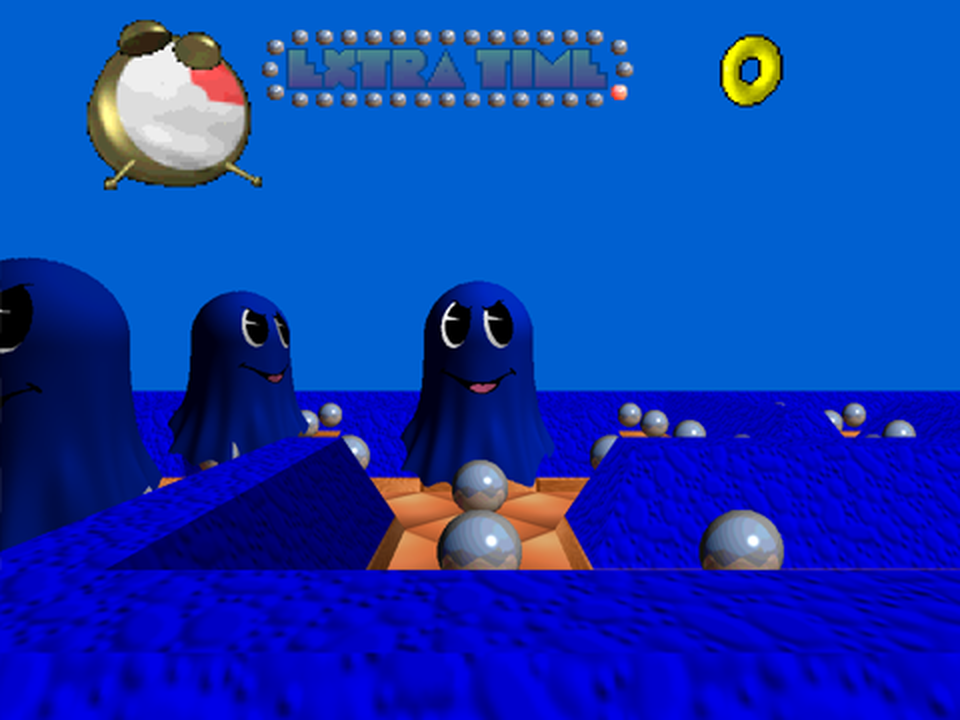
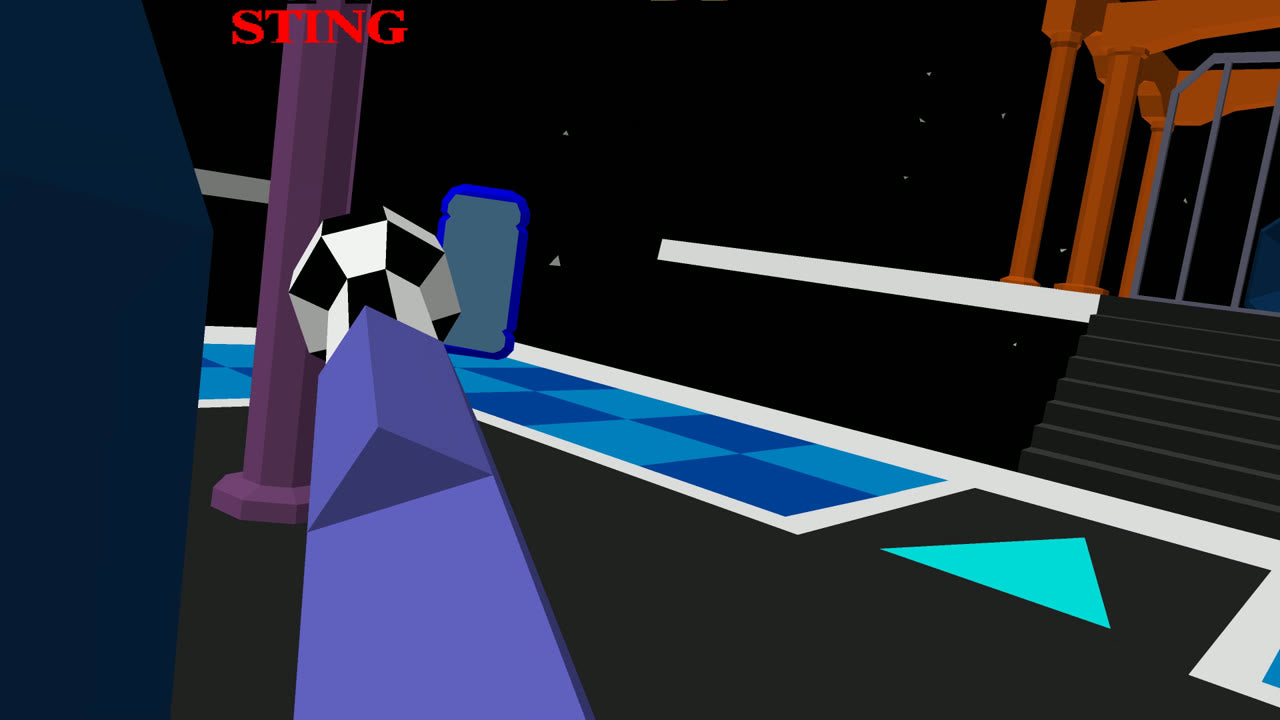
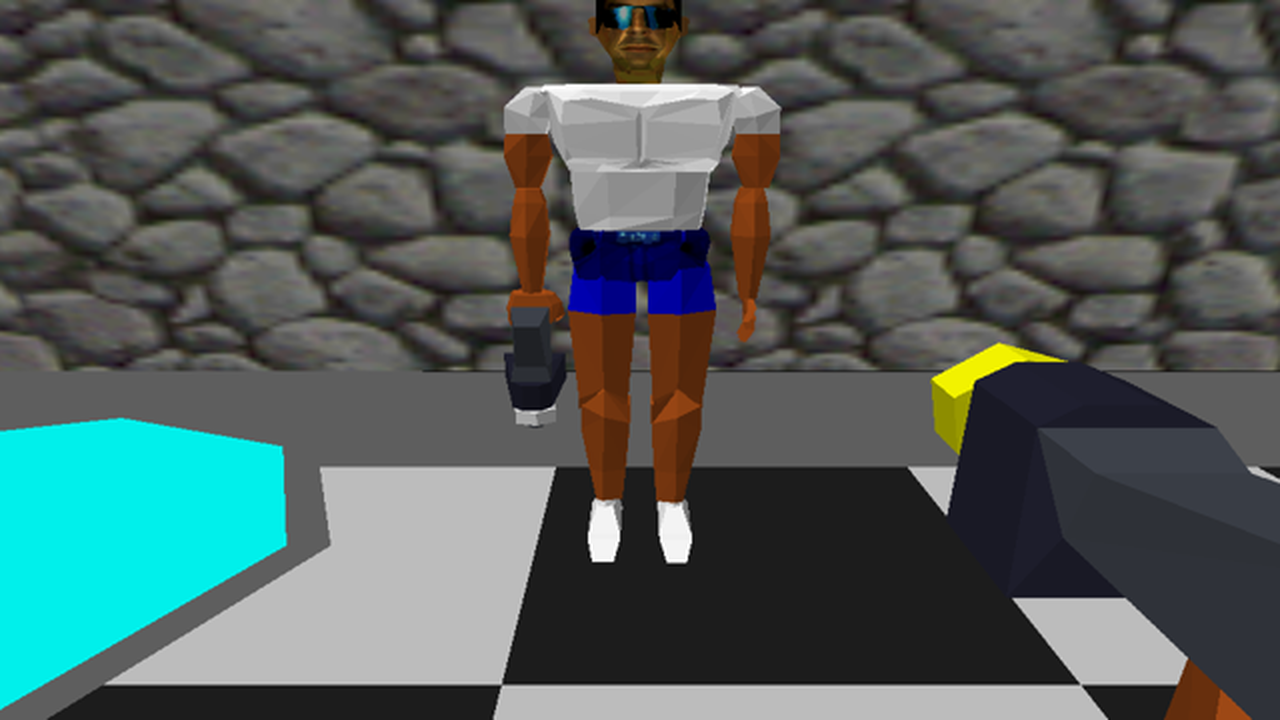
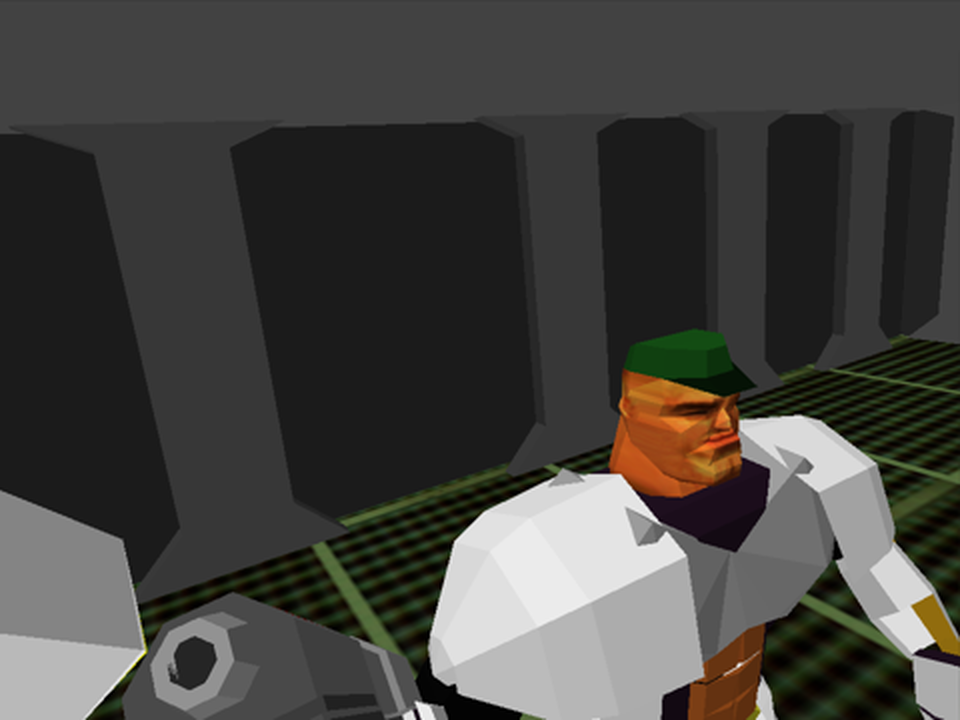
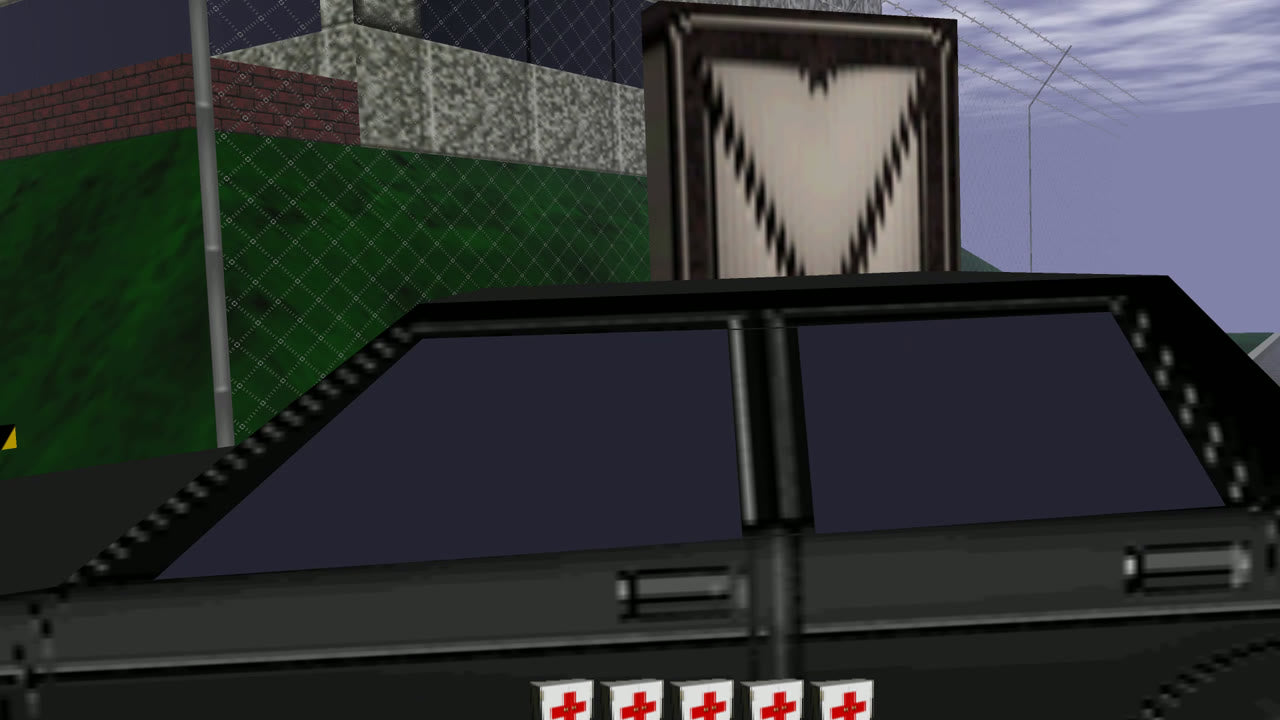
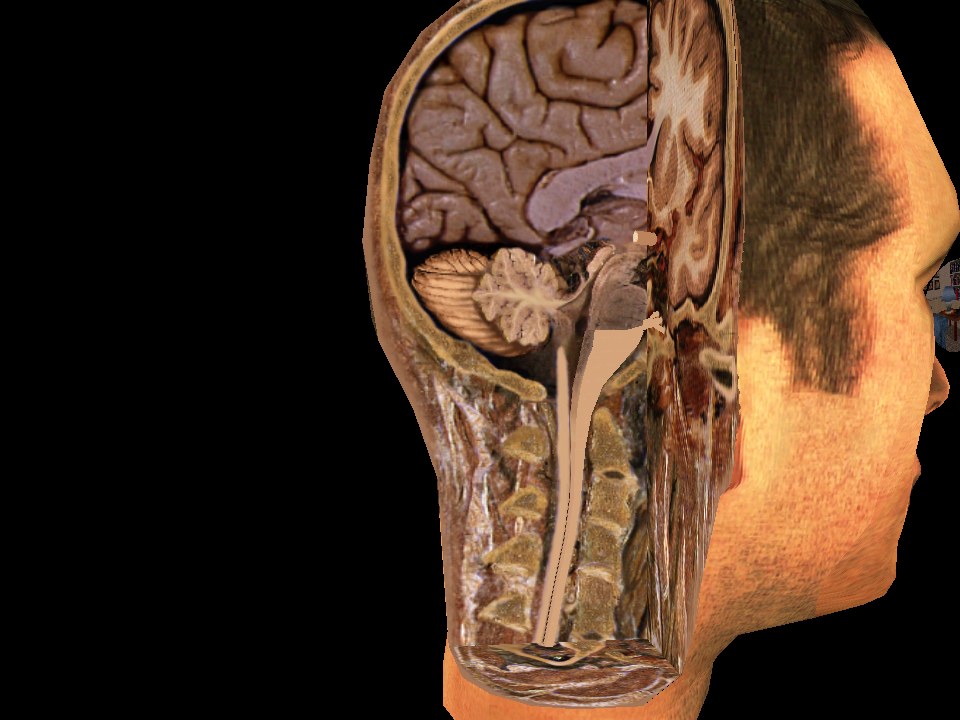
What's in the download
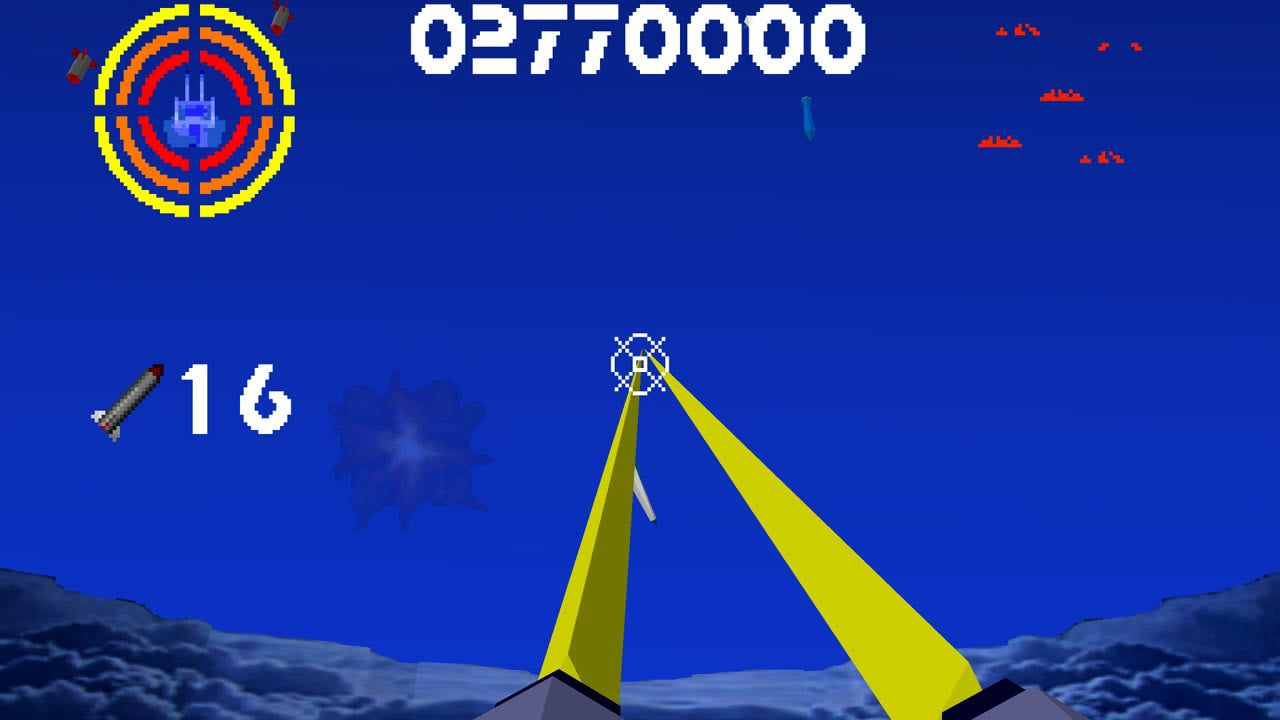
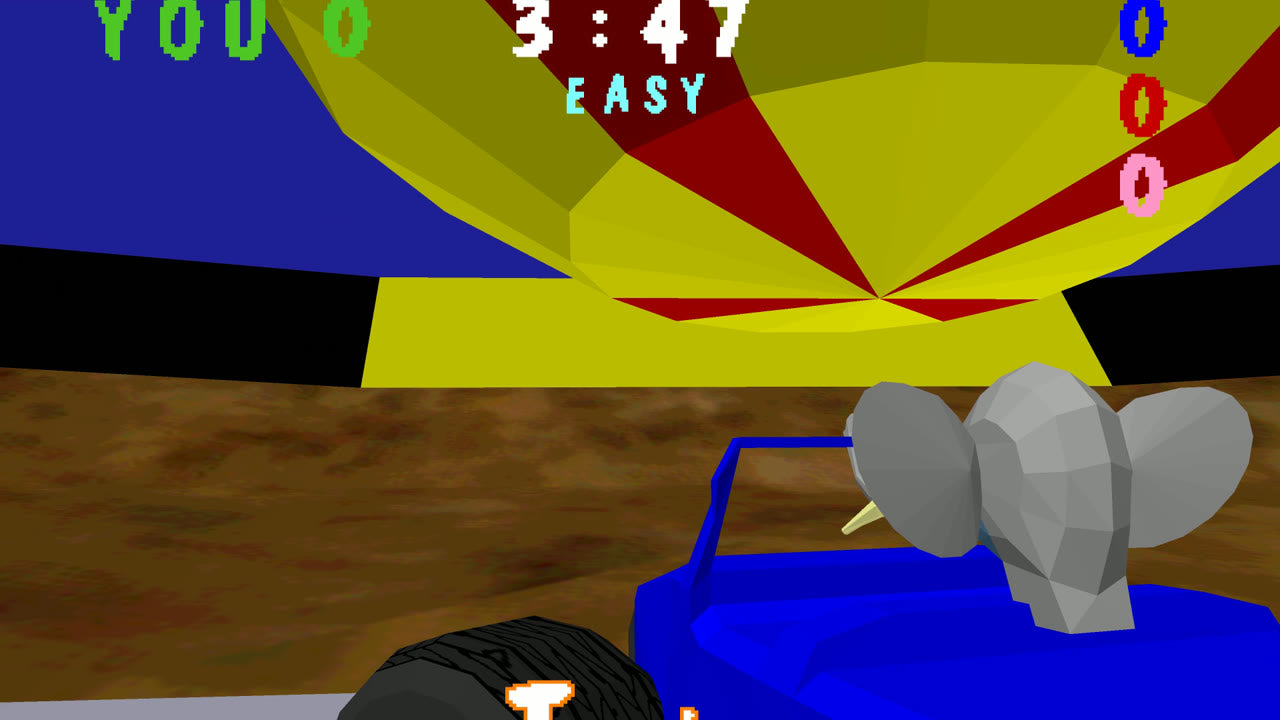
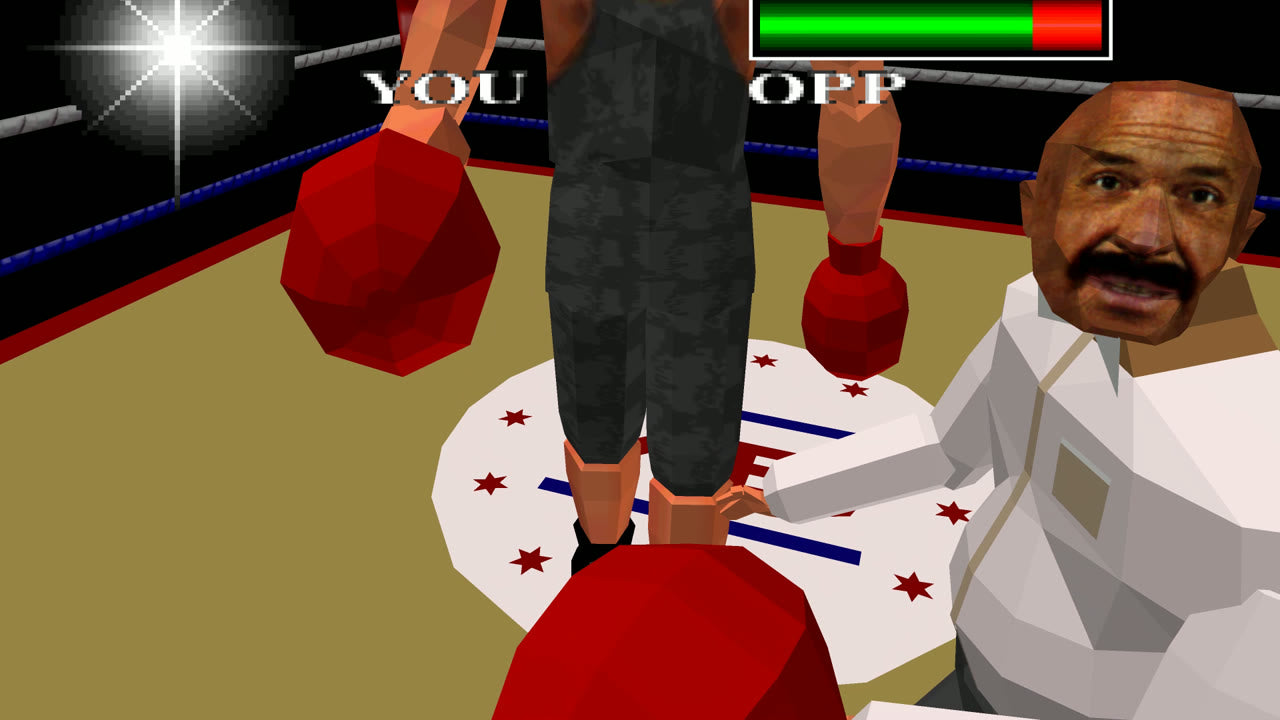
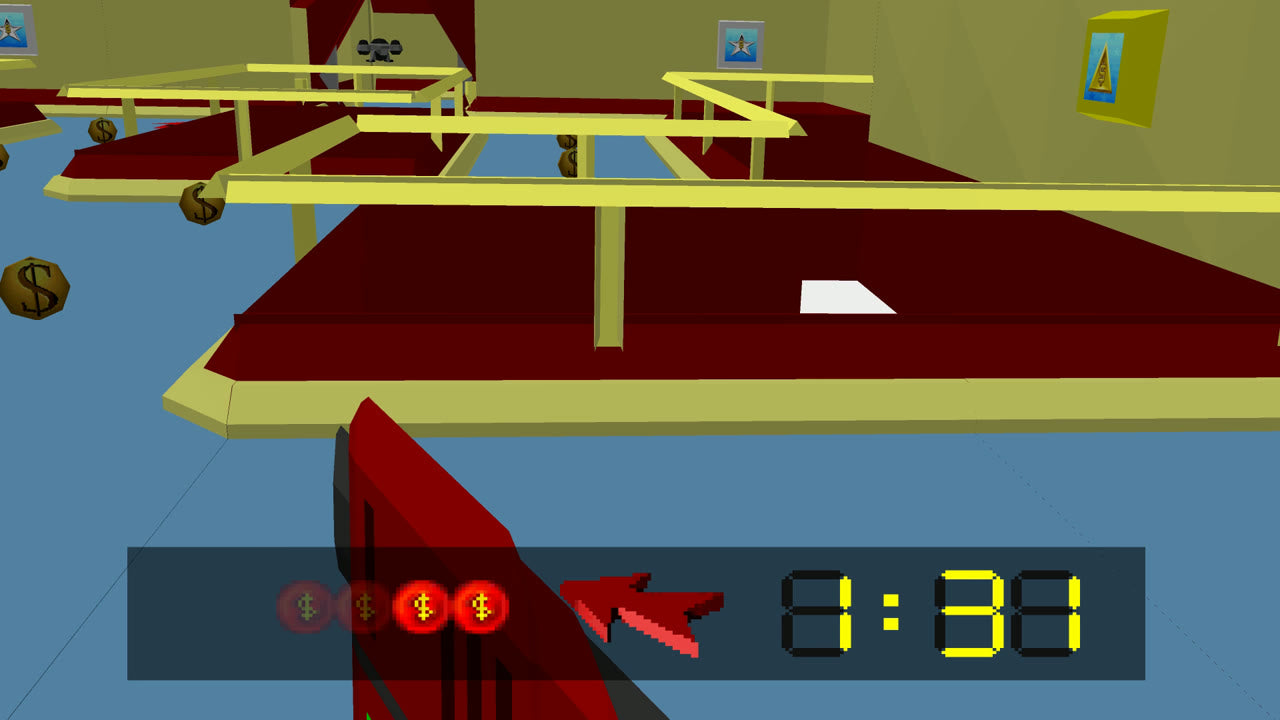
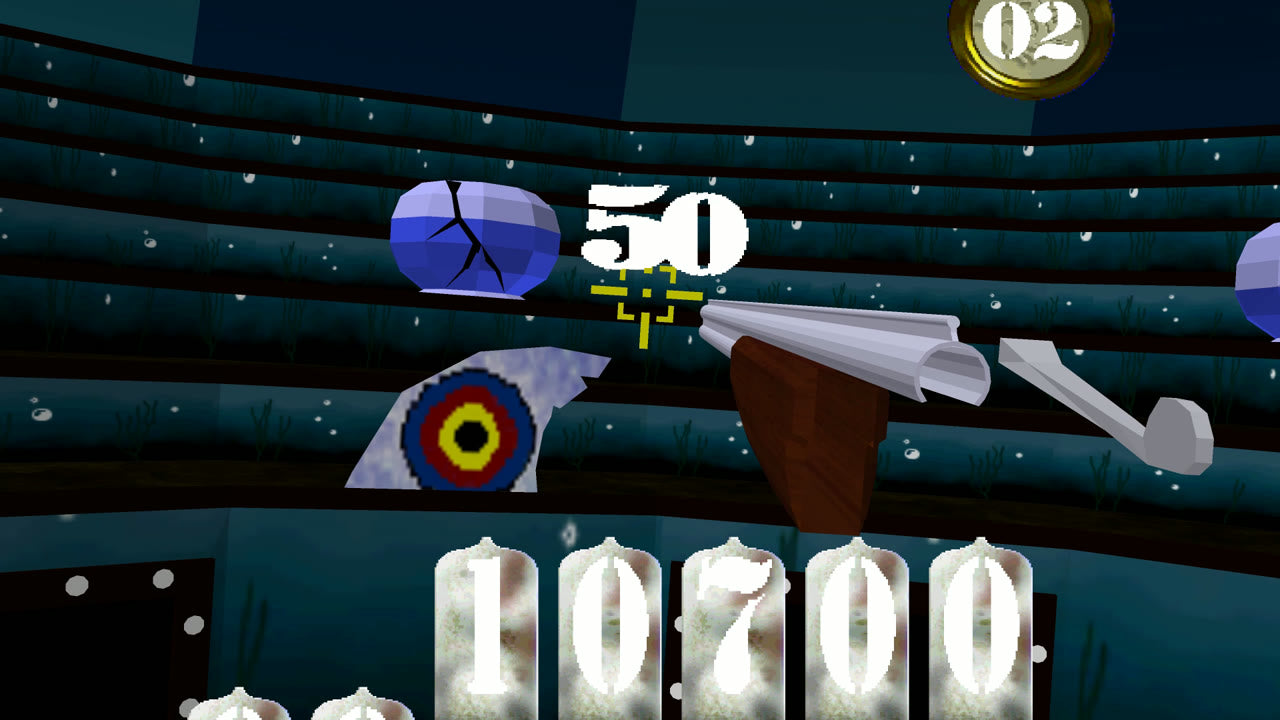
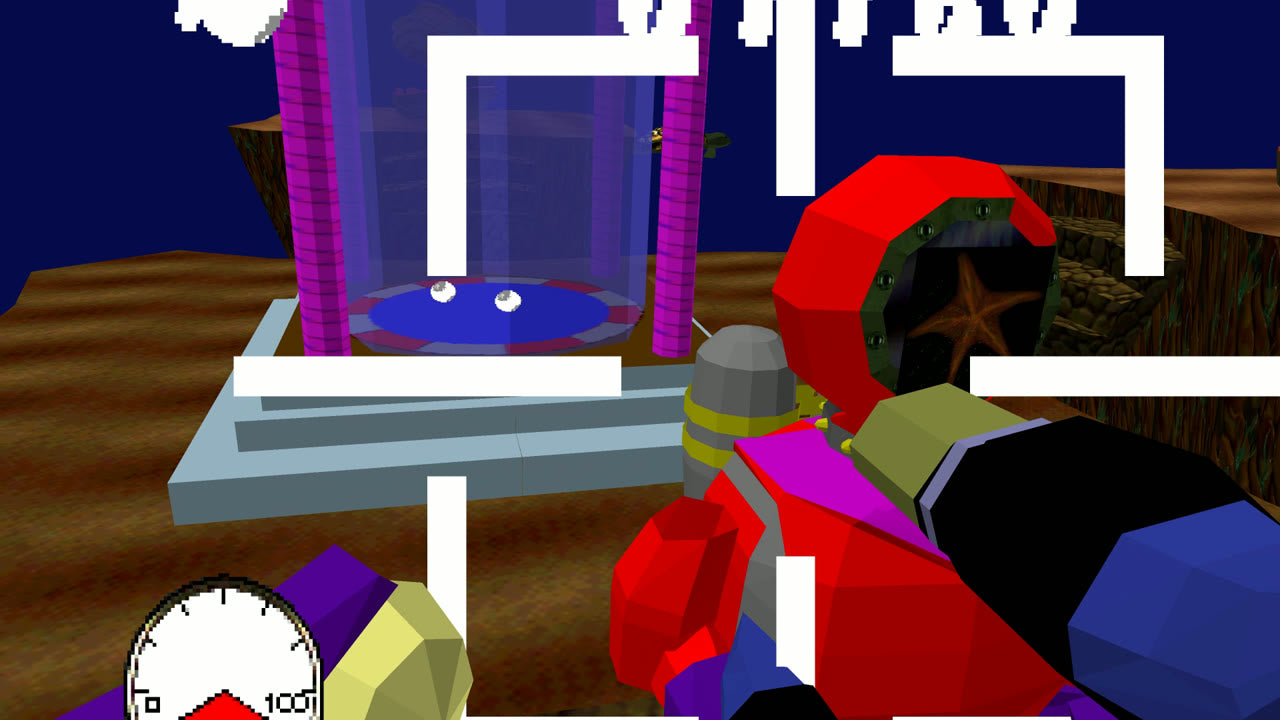
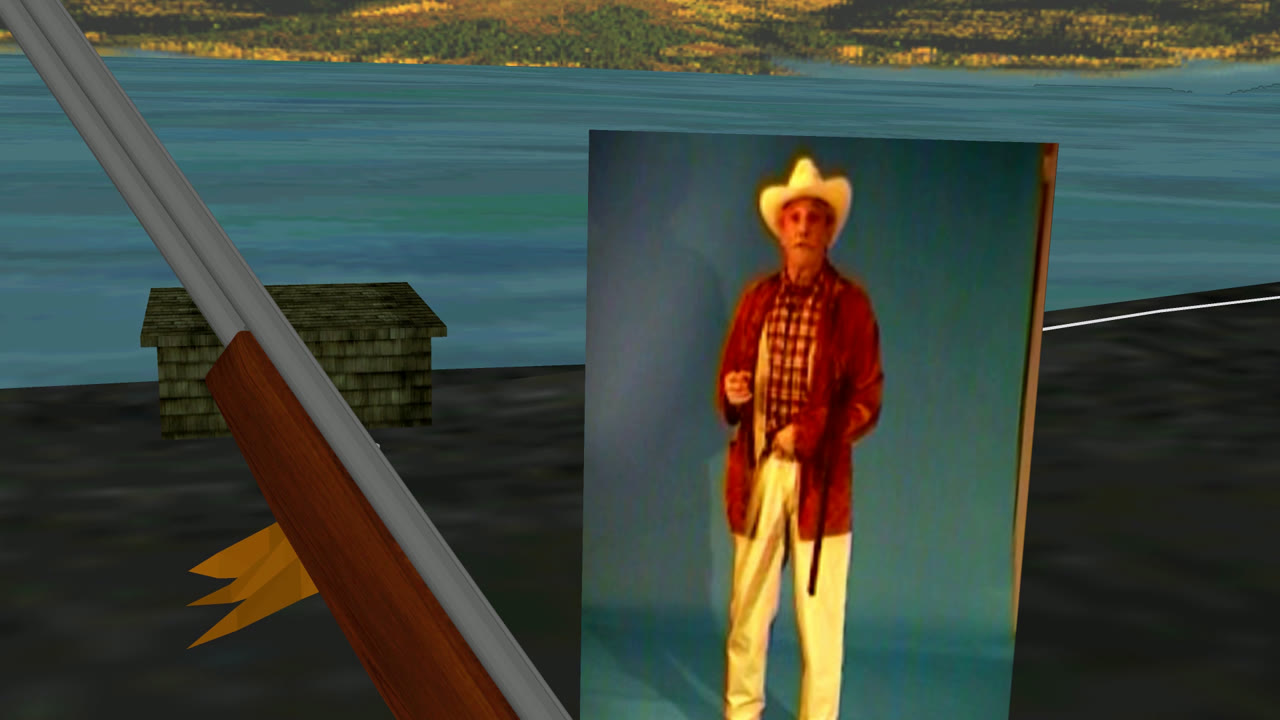
- All 14 original games, each with its own launcher: Pac-Man VR, Dactyl Nightmare, Dactyl Nightmare 2, Zone Hunter, Ghost Train, Virtuality Boxing, Missile Command VR, Olin Shotgun, Shoot For Loot, Sea Diving, Buggy Ball, the SU3000 rifle games Total Recoil and Zero Hour, and the SU3000 medical experience Zeneca Migraine
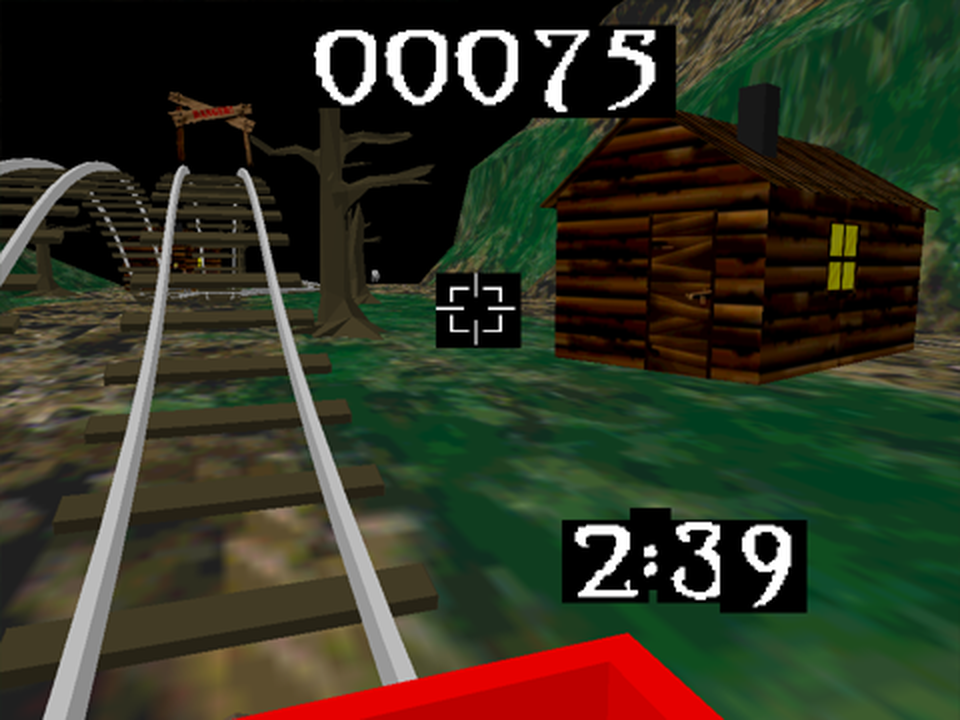
- PHANTOM FREIGHT: our Halloween ride, built on your own copy of Ghost Train
- 12 LOST GAMES: Virtuality games nobody has found, as playable placeholders rebuilt from footage, with music
- GET GAMES: one button sets up your game files, checks them and puts them in the right place
- Online play in seven games (QUICK MATCH pairs you with anyone online, for any game you both have), PC and Meta Quest together: Dactyl Nightmare 1 and 2, Ghost Train, Buggy Ball (up to 4 players), Shoot For Loot, Sea Diving and head-to-head Virtuality Boxing
- Voice chat built in: talk trash while you play, no Discord call needed, with PC and Quest players alike
- Headset or window: every game plays in SteamVR or on a plain screen with keyboard and mouse
New in v0.16.0: Bird Brawl NEW
- Lost Dactyl Nightmare: BIRD BRAWL, a flying bonus round between maps. Up to four players ride the pterodactyls and spit darts at each other. First person by default; click the right thumbstick for a chase view.
- Lost Dactyl: new levels 2 to 4 and two secret levels, walking back, side-step, smooth turn, jump, jump kick, punching, and funny game-over gags (the bird takes the loser).
- The menu opens full screen (F11 = window), with a new blinking START, gameplay pictures and fixed sounds.
- Fixed the menu freezing when you start a second game after the first.
New in v0.15.0: the Lost Games
- LOST GAMES: a new tab with 12 Virtuality games nobody has found: Dactyl Nightmare (1000 series), Hero, Grid Busters, Legend Quest, Grid Warriors, Battlesphere, VTOL, Total Destruction, Exorex, Flying Aces, Sphere and X-Treme Strike. Playable placeholders rebuilt from footage, with music. We still want to find the real ones.
- Multiplayer in the Lost Games: brand new, tested by us with 2 players on one PC so far. If it breaks, press REPORT.
- Updates are now automatic.
- Meta Quest 0.5: the Lost Games on the headset. Online with PC needs v0.15.0.
New in v0.14.0: the lost Pac-Man level
-
The Pac-Man VR 1996 prototype: pick it on the OPTIONS tab, VERSION row. It has a temple level (level 2) rebuilt from its cut art, plus its own music and HUD. Playing in a window? Press
Vfor the top view. GET GAMES fetches it. - More game versions on the VERSION row: Ghost Train v1.11, Missile Command v1.12 (with the cut final wave after the mother ship), Dactyl Nightmare v1.03 and Dactyl Nightmare 2 v2.04.
- Zone Hunter: an optional RANDOM ENEMIES row on the OPTIONS tab (off by default).
- Virtuality Boxing: moving your hand sideways at character select no longer throws a punch, and your gloves stay red the whole match.
- Picture fixes in Sea Diving, Missile Command, Dactyl Nightmare 1 and 2, Pac-Man and Shoot For Loot. Phantom Freight: window mode shots go where you aim.
- Online: PC and Quest play together again with MallVR for Quest 0.5.
New in v0.13.2: the Cyberspace Hall
- A new game select screen, the Cyberspace Hall: the real pods (Simon Marston Collection photos), with MACHINE, GAME and HOW TO pages for every game.
- OPTIONS for every game: game time, gore, difficulty, Japanese text, timer off and more, the switches the arcade operators had. DEFAULTS puts each game back the way it shipped. MallVR never changes your game files.
- Online, everyone plays with the host's options.
- A MallVR icon on your Desktop and Start menu the first time you run it.
- The options are brand new: if one doesn't do what it says, press REPORT.
New in v0.13.0: Phantom Freight HALLOWEEN
- PHANTOM FREIGHT, a Halloween ride built on your own copy of Ghost Train (it needs Ghost Train in the games folder; nothing from the game is in the download): a gun in each hand plus a sword, more enemies and zombie crowds, a different floaty monster every ride, critter-ball barriers, pumpkins and floating targets to shoot, fog, smoke and spooky lighting.
- After the original ride: HELL, then the MallVR Museum, a slow guided ride through Starlite Commons with voice-over: the pods, the Simon Marston Collection, the arcade, the food court and the stores. Then an ending you have to see.
- 3D side-by-side for headsets and glasses that take a 1920 x 1080 SBS picture: WINDOW, then click 3D OFF to switch.
- 32-bit Windows 10 now runs MallVR in WINDOW mode, and Windows 7 / 8.1 get a clear message about PowerShell 5.1.
- Olin Shotgun no longer crashes after GAME OVER, and VR hands find the left controller every time.
Phantom Freight is PC only for now. A Quest version is coming.
New in v0.12.1
- GET GAMES: press it at the bottom of the game select screen (it opens by itself if MallVR finds no games). MallVR gets the game files, checks them and sets them up. No unzipping, no folder hunting. About 550 MB for all 14 games, and it works from the headset panel too.
- Players online shown on the game select screen, next to ONLINE.
- Button Masher Menu > VOICE CHAT: MY MIC shows LIVE or MUTED (click to switch) and PUSH TO TALK on / off, kept for next time.
- The Button Masher Menu works even if SteamVR starts after MallVR (before, holding A + B did nothing then).
New in v0.12.0
- Crossplay (test): PC and Meta Quest players (MallVR for Quest 0.2) are in one ONLINE list and play the same linked games together. QUICK MATCH, HOST or JOIN; each player shows PC or QUEST. It's brand new: whether it works or breaks for you, press REPORT A PROBLEM.
- Voice chat with Quest players, and a new VOICE CHAT page on the Button Masher Menu: turn each friend up or down, or mute them. Only changes what you hear.
- Safer online play: the online list no longer shows anyone's internet address (only the players who join a host get it), your PC's game port only listens to your own PC during online games, and a host turns away a different version of the game files.
- Signed updates: MallVR only installs updates made by us.
New in v0.11.3 and v0.11.2
- Every finished game for everyone (v0.11.3). One download, all 14 games, and older copies get them by update.
-
Buggy Ball (v0.11.3): the ball badges and the
music\buggyfolder (drop in WAVs to play them as the game music) load again. - Zeneca Migraine is in the launcher: a rare 1990s medical VR experience from the SU3000 series, built to show what a migraine feels like: a spinning head, a migraine room, then a ride through the brain and its blood vessels, with its original sound effects. (Its CD narration isn't in any known dump. Have the disc? Tell us.)
- The launcher opens inside your headset (HEADSET mode, SteamVR running): point with your controller and pull the trigger to pick a game.
- The Button Masher Menu in every game: press and keep holding A + B for about a second for RESUME, BACK TO MENU, SWITCH GAME and REPORT A PROBLEM, without taking the headset off.
- REPORT A PROBLEM sends us one line plus that game's logs, straight from the launcher or the game.
- Play notes, your choice: asked once, off unless you say yes. What they contain.
- Online groups stay together after a game, and the host can SWITCH GAME for everyone mid-session.
- Meta Quest Touch controllers get their own MallVR layout on PC (through SteamVR). Hold Y to adjust aim and reach.
- Total Recoil and Zero Hour are found in more folder layouts. Pac-Man VR: walk with the triggers. Ghost Train: the sight lines up with your shots.
Some games are still in beta: help us test them and report bugs in the Discord. Buggy Ball is our rebuild from the original game data; the original BALL.EXE is still missing, so it is not yet arcade-exact (have one? tell us). Thanks to Jeremy Shartzer for Buggy Ball, ErrorDan for the 3000-series games, nyxxic and Faulty for the SU2000 original dump, and Simon Marston (RetroVR) for preserving the SU2000 drive.
Support MallVR
MallVR for PC is free for everyone. If you'd like to help, leave a tip on Ko-fi, or buy MallVR for Meta Quest, which makes you a Citizen:
Tip
Any amount, any time
A one-off tip to say thanks. It goes into new features, fixes and the Quest version.
Citizenship
Comes with MallVR for Meta Quest
- Early access: test builds of new games and features before they're ready for everyone
- Holiday tournaments with prizes: Citizen tournaments in the online games on holidays, with prizes for the winners (starting once online leaderboards are in)
- Community: the Citizen role in our Discord and a vote on what we build next
- Continued development: your purchase pays for new features, fixes and the Quest version
Buy MallVR for Quest, become a Citizen: $25
Every finished game is in the free download for everyone. Citizens get the early files while they're still being worked on; once a game or feature is ready, it goes to all players. Bought MallVR, for PC before it went free or for Quest? Message Dr. Lawrence Angelo in our Discord with your order number to claim your Citizen role.
Say thanks
If MallVR gave you a good time and you'd like to say thanks, you can buy us a coffee on our Ko-fi page. It means a lot.
Hall of Fame: InariBold, Ghost Train Champion 2026.
Thank you for playing!
MallVR for Meta Quest: TEST BUILD 0.5
Coming to the Meta Quest store IN REVIEW
MallVR has been sent to Meta for review. Once it is approved, the Meta store will install and update it for you, no Developer Mode or SideQuest needed.
MallVR for Quest 0.5 TEST BUILD
The first DOSBox-X running on Meta Quest. Our first tester played Pac-Man VR and Zero Hour on a Quest 2 at the headset's full 72 frames per second.
Online with PC players (PC v0.15.0 or newer). Press ONLINE on the Quest launcher: QUICK MATCH, HOST or JOIN, in the same list and the same linked games as PC players, with voice chat (click the left stick to mute). New in 0.5: the Lost Games, 12 lost Virtuality games rebuilt from footage. On the Meta store version, the first screen emails you the link to the PC tool that gets your game files.
The same games, running on the headset itself: no PC, no cable. Quest 2, Quest 3, Quest 3S and Quest Pro. It's still a test build and 0.5 hasn't been run on a headset here yet: after you play, please press REPORT A PROBLEM, whether it worked or not, and say yes to play notes. That's how we fix it fast.
Buy MallVR for Quest (APK): $25 (45 MB)
Install guide (QUEST_INSTALL.txt) · Source code (GPL)
Install in short: turn on Developer Mode in the Meta Horizon phone app, install the APK with SideQuest, open MallVR from App Library > Unknown Sources, allow file access, press GET GAMES, then START. Back to the menu: hold A + B. Have an older version? Install 0.5 over it: your games stay.
-
Get games button: gets the game files onto the headset (or copy your PC
gamesfolder over USB) - Online button: play with PC and Quest players, voice chat, and turn each player's voice up or down
- Report a problem button: sends us one line plus the logs, so we can fix what you hit
- Touch controllers mapped like the PC version
Not in 0.5 yet: Total Recoil's movies, and the GO / STAY OUT question in the headset when the host switches games (you go along). Some home networks (phone hotspots) may not connect yet: your report helps us fix it.
Coming later: the 1000 series
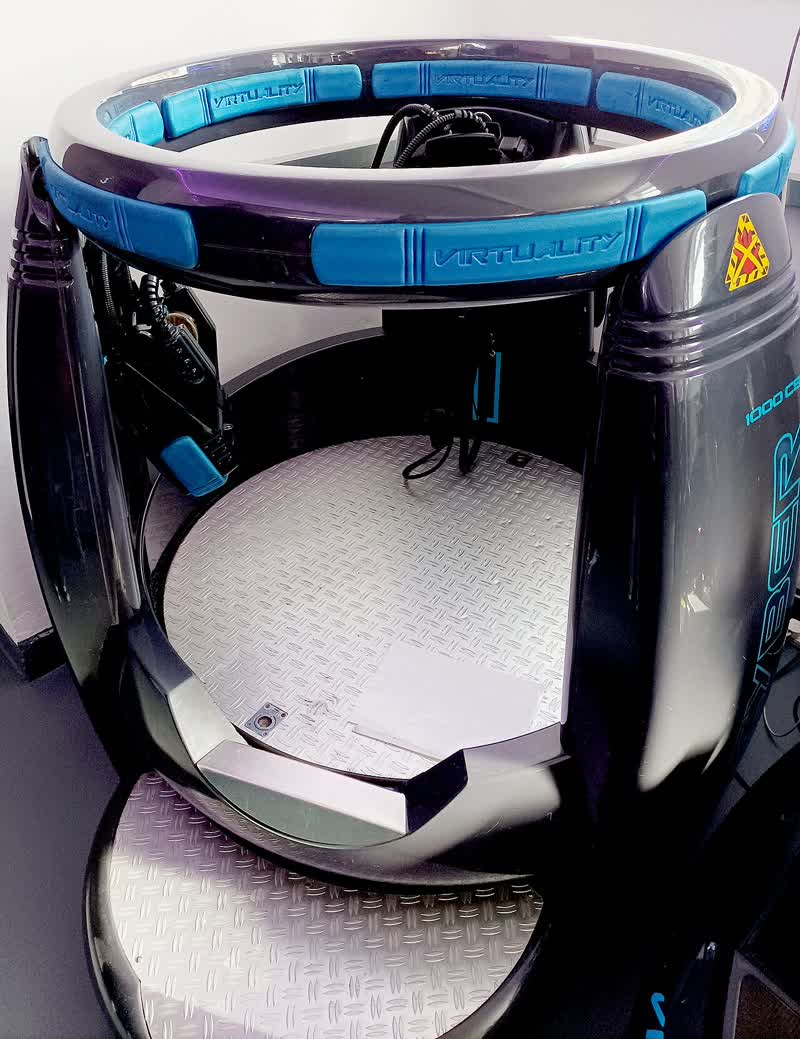
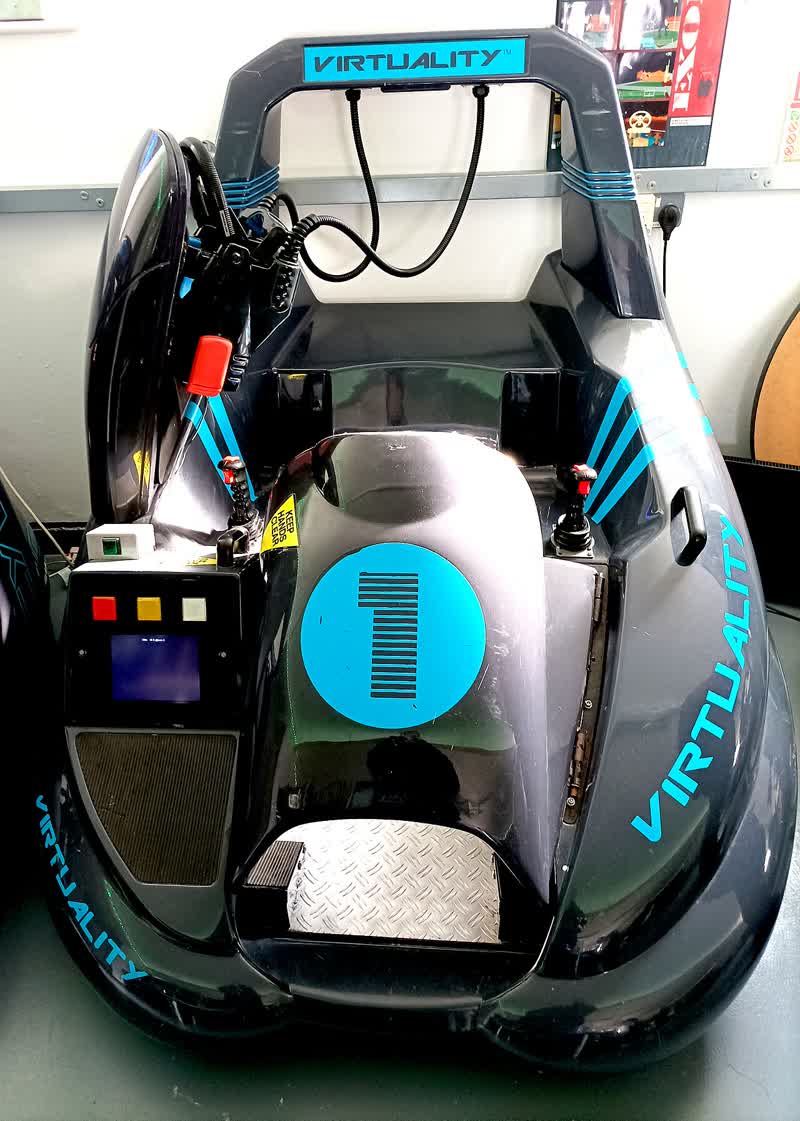
The 1991 Virtuality 1000 pods are where it all started, including the first Dactyl Nightmare. They're a completely different machine from the 2000 and 3000 series (an Amiga 3000 inside, with custom 3D boards for each eye), so they need their own emulator. We've planned it and the groundwork is built. What's missing is the software: nobody has dumped a 1000-series hard drive yet.
Own a 1000CS or 1000SD, or one of its hard drives? Please get in touch on the Discord. A copy of that drive is what brings these games back.
Join the MallRats
Hang out with other MallRats on our Discord: find people to play with, share funny gameplay clips, get help with setup, dig through Virtuality history, and help build new games and experiences for this hardware, even walkable 3D movies.
On Facebook? Join our group MallVR - Virtuality Arcade VR for clips, setup help and 90s arcade memories.
Free source code, bug reports and Virtuality know-how: MallVR on GitHub.
Play online
Seven games link over the internet the way the arcade pods were cabled together: Dactyl Nightmare 1 and 2, Ghost Train, Buggy Ball, Shoot For Loot, Sea Diving and Virtuality Boxing. PC and Meta Quest players play together. No server to set up, no IP addresses to type, no router settings. The steps below are for Dactyl Nightmare; how each other game starts is in docs\MULTIPLAYER.txt.
- Double-click
MallVR_Launcher.bat, choose HEADSET or WINDOW, then click ONLINE. - Click QUICK MATCH. It plays any game you and the other player both have (click the game name first if you only want one). MallVR finds someone who is searching (or waits for one), counts down 3-2-1 and opens the game by itself.
- The host (pod 1) presses START: B in the headset,
1in a window. In Dactyl Nightmare the other player doesn't press start; their game joins by itself. - On FOCUS VISETTE / WAITING FOR OPPONENT, each player pulls the trigger (window: Space or left click). You're in. Say hi: your mic is already on.
-
Voice chat: built in. Your mic is on when the game starts; click the left stick to turn it off, click again to turn it back on (short buzz = off, long buzz = on). In a window:
M. It only sends while you talk. Button Masher Menu > VOICE CHAT turns each player up or down, shows MY MIC LIVE / MUTED, and switches PUSH TO TALK on or off. - Your name: you start as PLAYER123 or similar. Click it on the ONLINE screen to type your own.
- More options: see everyone online and every open game, then HOST or JOIN yourself. PCs in the same house find each other even without internet.
-
Playing in a window: click into the game once and the mouse locks in to look around.
TAB(or a middle click) lets the mouse go and locks it back in. HoldALTto free it for a moment.ESCcloses the game, so don't press it to get your mouse back. - First time: if Windows asks whether PowerShell may use the network, click Allow. That's MallVR's online part.
- Hosting: nothing to set up. MallVR asks your router to open a port, and if the router says no (two routers in a row, like a fiber box plus your own Wi-Fi router, always do) the two PCs punch through to each other by themselves.
Tested at up to 200 ms round trip (a slow connection) and it still played smoothly. The online list shows your name, game and platform to other players, never your internet address; players who join your game get your address so their game can reach yours.
Controls cheat sheet
Valve Index controllers (HTC Vive wands: see docs\CONTROLS.txt). In a window, keys in brackets.
-
Start / coin: B (
1) - Fire / select: right trigger (Space or left click)
- Button Masher Menu: press and keep holding A + B for about a second (Vive wands: both menu buttons): RESUME, BACK TO MENU, SWITCH GAME, VOICE CHAT, REPORT A PROBLEM
-
Mic off / on: click the left stick (
M), in every online game -
Game button: A. Dactyl Nightmare 1 and 2: hold to crouch (
C). Buggy Ball: turbo (Space or right click). - Virtuality Boxing: just punch, both hands, no buttons. Lean with either stick to step in, back off and circle (W/A/S/D). Special move: when your special bar is full and flashing, get close and press A or pull a trigger (Space). Every boxer has his own. In a window, left / right mouse = left / right punch.
-
Two-player Boxing: both players press start (B), then punch to pick your boxer. On one PC:
Link_Virtuality_Boxing_This_PC.bat; online: QUICK MATCH. - Walk and turn (Dactyl, Pac-Man, Zone Hunter): either stick up / down to walk forward / back, right stick left / right to turn, left stick left / right to strafe (W/A/S/D, mouse to look).
How to set it up
-
Download MallVR free from the button above (archive.org) and unzip it to
C:\Games\MallVR(not Program Files). -
Get the game files. The easy way: double-click
MallVR_Launcher.batand press GET GAMES (it opens by itself the first time). MallVR gets the files, checks them and puts them in the right place. Already have your own copies? Copy them into MallVR'sgamesfolder. -
Check: double-click
Check_My_Games.bat. Every game whose files you have should say READY. -
Play: turn on your headset, then double-click
MallVR_Launcher.bat. Pick a game, choose HEADSET (or WINDOW if you have no headset) and press START. Each game also has its ownPlay_launcher you can double-click directly (no headset: the_NoVRone).
Tested with a clean MallVR and GET GAMES only: all 14 games READY.
Three ways to start a game
-
Desktop launcher: double-click
MallVR_Launcher.bat. The game select screen, styled like the pods' own operator menu: pick a game, headset or window, solo, linked or ONLINE. - VR launcher: the same operator-menu launcher inside your headset (HEADSET mode with SteamVR running). Pick a game with your controller, and with the Button Masher Menu (hold A + B) go back to the menu or switch games together with your online group without taking the headset off.
-
One file per game, for your front end or multicade: every game has its own
Play_file (and a_NoVRone for screen-only setups). Add them to LaunchBox and BigBox, Playnite, RetroBat, Attract-Mode, HyperSpin, Steam and SteamVR, or an arcade cabinet front end. Step-by-step setups for each are indocs\FRONTENDS.txtinside the download, and the LaunchBox pack on archive.org has the covers, logos and video clips.
Good to know
- MallVR is independent software from Gainesphere Studios. It is not affiliated with or endorsed by the companies that made or own the original games.
- MallVR for PC is free. The $25 for MallVR for Quest buys the ready-to-run headset software. Neither one sells or includes game files, and tips and Citizen memberships don't either: they support our emulator work and the community.
- MallVR includes a modified build of DOSBox-X (GPL). The source code, with our changes, is in the download (the
sourcefolder) and on GitHub. - Windows may warn about the .bat files: click More info, then Run anyway. They are plain text; open them in Notepad to see exactly what they do.
- Play notes are off unless you say yes when MallVR asks. What they contain: MallVR privacy.
🌿 No lawns were mowed in the making of this emulator. Cyberspace is just a download away.